Field note · opportunity
How to Choose an AI Workflow Trigger: Event, Schedule, or Manual
Choose an AI workflow trigger with a scored worksheet for freshness, volume, consequence, and human availability, then test when the choice should change.
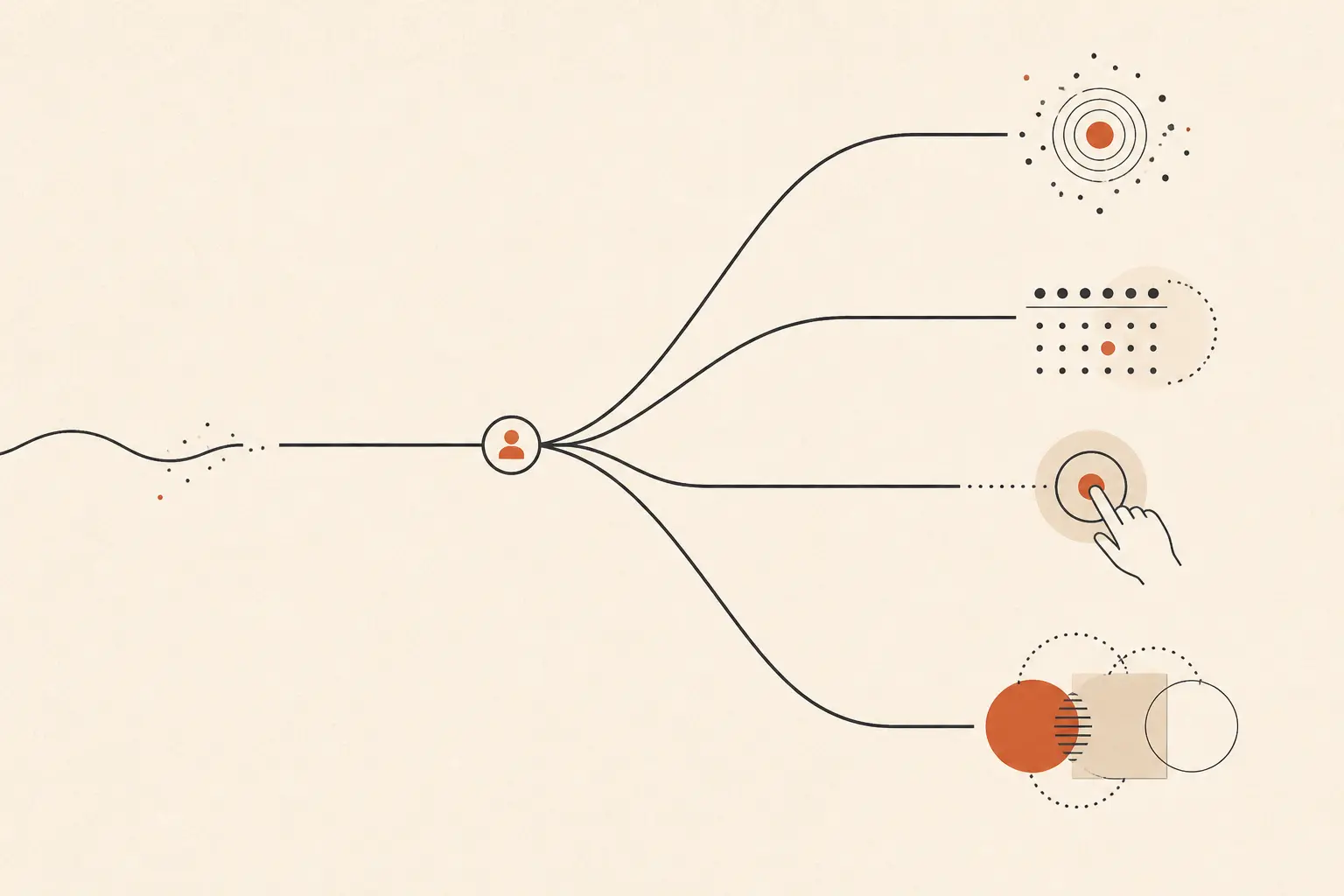
The trigger is part of the opportunity, not a wiring detail. It decides whether the workflow sees fresh work, waits for a batch, or asks a person to make the first decision.
Most teams choose from the trigger nodes their tool happens to expose. Start with the work instead. The same AI step can be sensible after a new support escalation, every Friday afternoon, or only when a finance owner selects a batch.
This is a narrower decision inside the broader How to prioritize AI use cases in a small business guide. First choose a valuable workflow. Then decide what should be allowed to start it.
Use this worksheet before choosing a trigger
Score four properties of the workflow, then compare the four start patterns. The highest score is a starting recommendation, not permission to automate a consequential action without review.
| Input | 1 | 3 | 5 |
|---|---|---|---|
| Freshness | Next business day is fine | Within an hour matters | A delay of minutes can change the outcome |
| Volume | Fewer than five items in the working period | A defined batch or roughly 5 to 50 items | Bursty or larger stream |
| Consequence | Reversible draft | Internal routing or low-cost correction | External commitment, money, access, or hard-to-reverse change |
| Human availability | Named owner is reliably available at start | Owner is available in windows | Work cannot reasonably wait for a person to notice it |
These are worksheet cutoffs, not industry benchmarks. Use the same definitions each time so a team can explain why its decision changed.
The trigger categories are not invented product labels. Elastic defines a trigger as an event or condition that initiates a workflow and documents manual, scheduled, and event-driven types. Microsoft Power Automate likewise separates automated event flows, instant/manual flows, and scheduled flows. Elastic's trigger documentation and Microsoft's trigger guide support the basic distinctions. The worksheet adds the business trade-offs they do not decide for you.
Score each candidate from 0 to 8
Give each trigger 0, 1, or 2 fit points for each input. Add the four points. If consequence is 5, treat unattended side effects as a veto even if an automated trigger scores well.
| Trigger | Freshness fit | Volume fit | Consequence fit | Availability fit |
|---|---|---|---|---|
| Event | 2 at freshness 4-5; 1 at 3; 0 at 1-2 | 2 at volume 4-5; 1 at 3; 0 at 1-2 | 2 at consequence 1-2; 1 at 3; 0 at 4-5 | 2 at availability 4-5; 1 at 3; 0 at 1-2 |
| Scheduled | 2 at freshness 1-2; 1 at 3; 0 at 4-5 | 2 at volume 3-5; 1 at 2; 0 at 1 | 2 at consequence 1-2; 1 at 3; 0 at 4-5 | 2 at availability 3-5; 1 at 2; 0 at 1 |
| Manual | 2 at freshness 1-2; 1 at 3; 0 at 4-5 | 2 at volume 1; 1 at 2; 0 at 3-5 | 2 at consequence 4-5; 1 at 3; 0 at 1-2 | 2 at availability 1-2; 1 at 3; 0 at 4-5 |
| Hybrid | 2 at freshness 3-5; 1 at 2; 0 at 1 | 2 at volume 3-5; 1 at 2; 0 at 1 | 2 at consequence 3-5; 1 at 2; 0 at 1 | 2 at availability 2-3; 1 at 4-5 or 1; 0 when no approver exists |
The hybrid row assumes that automated preparation is safe and the consequential step has a human gate. If there is no available approver, hybrid is not a magic escape hatch. Queue the work, narrow the action, or choose manual.
What each trigger is good at, and how it fails
The choice should follow the reason work needs to start, not a preference for “real time.” Amazon EventBridge makes the underlying distinction explicit: event-pattern rules match incoming event data, while schedules invoke targets at defined times. AWS's EventBridge rules documentation also recommends the dedicated Scheduler for scheduled tasks.
| Start pattern | Choose it when | Main failure mode | Owner and change evidence |
|---|---|---|---|
| Event | A trustworthy event means the work is eligible now, and freshness or bursts matter | A broad or self-generated event fires repeatedly, or a source outage hides the event | Event owner checks event-to-run ratio, duplicate keys, unmatched events, and event age. Change when the event is missing, too broad, or no longer maps cleanly to eligibility. |
| Scheduled | The work follows a clock, can be batched, or needs reconciliation | Time zone or window drift, stale snapshots, or a growing batch runs at the wrong time | Operations owner checks eligible-item age, batch size, missed windows, and stale-input count. Change when the clock is no longer the natural cause of work. |
| Manual | A person must decide what enters the run, or the work is rare and consequential | Nobody starts it, the start is delayed, or the person supplies incomplete context | Process owner checks due-item age, start delay, skipped items, and input completeness. Change when volume or freshness makes waiting costly and a safe automatic boundary exists. |
| Hybrid | Preparation can begin from an event or schedule, but a person must approve or resolve exceptions | The automatic and manual paths start the same item twice, or approval becomes the real queue bottleneck | Workflow owner checks run IDs, duplicate executions, approval-queue age, and override reasons. Change when the approval gate is no longer needed or when automated preparation lacks safe boundaries. |
For event triggers, precision is a reliability control. AWS warns that an imprecise event pattern can cause an infinite loop, higher charges, throttling, and delayed delivery. AWS's event-pattern guidance recommends precise matching and testing. That is why “a record changed” is usually a weaker event than “a record changed to an eligible state and was not changed by this workflow.”
The start signal also determines what context arrives with the run. Elastic documents user information for manual starts, schedule information for scheduled starts, and event metadata for event-driven starts. Google Cloud Eventarc similarly describes event-driven routing with delivery, authorization, observability, and error-handling support. Elastic's trigger context and Google Cloud's Eventarc documentation are useful reminders to inspect the input payload, not only the trigger name.
If the workflow is not yet clear enough to score, use How to tell if a business process is ready for AI automation first. If it is clear but still competing with other candidates, return to the parent guide's broader comparison after you have recorded this trigger choice.
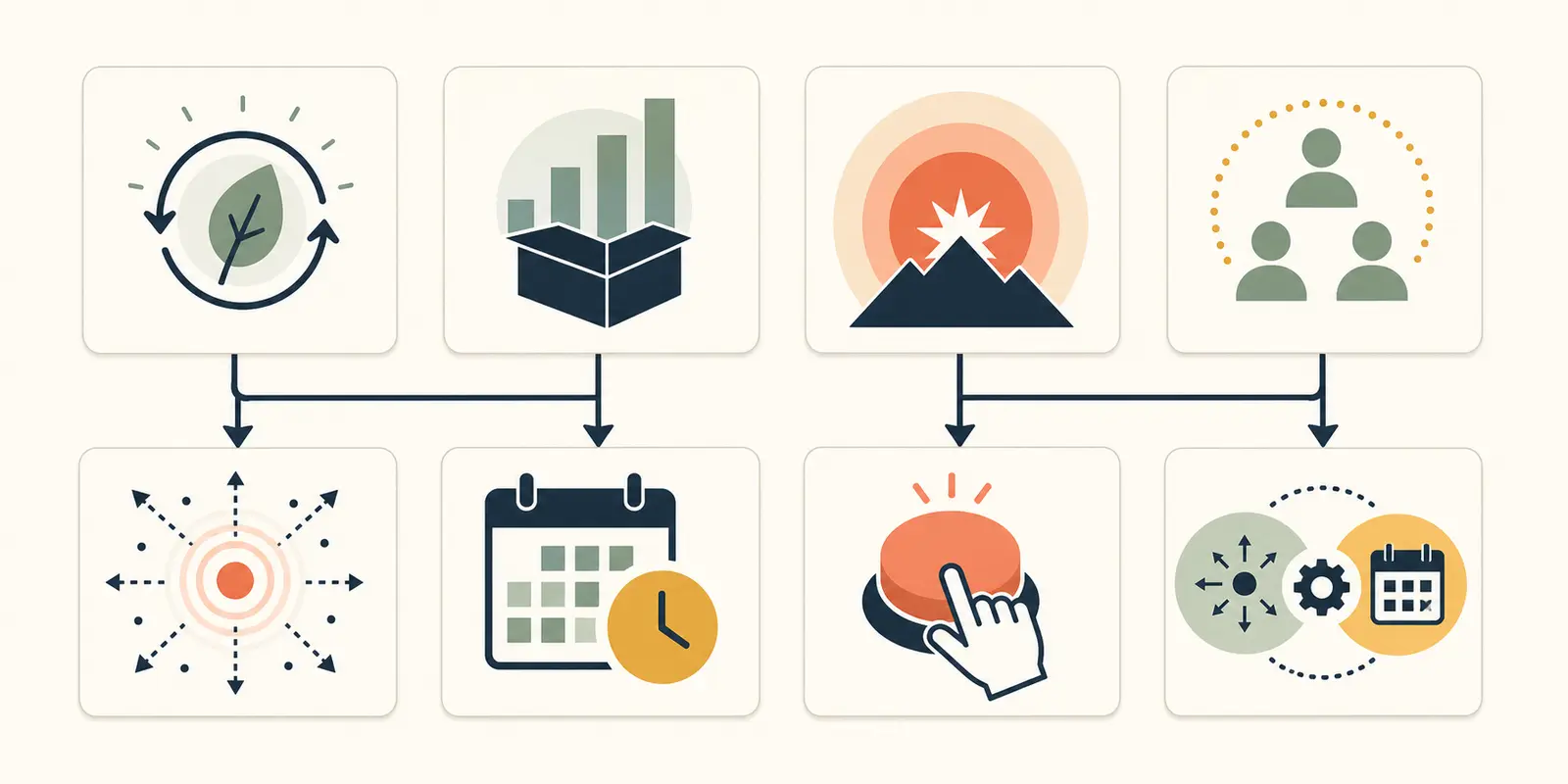
Three worked workflow cards
The cards below are synthetic. They show how the worksheet behaves under different assumptions. They are not client examples, production measurements, or claims about any named tool.
Card 1: urgent support escalation
Assumptions: freshness 5, volume 4, consequence 4, human availability 4. A new high-severity support case should be prepared quickly, but an operator must approve the external response or escalation.
| Trigger | Freshness | Volume | Consequence | Availability | Total | Decision |
|---|---|---|---|---|---|---|
| Event | 2 | 2 | 0 | 2 | 6/8 | Good start, but not enough control for the external action |
| Scheduled | 0 | 2 | 0 | 2 | 4/8 | Too slow and still does not solve approval |
| Manual | 0 | 0 | 2 | 0 | 2/8 | Waiting for a person loses the freshness requirement |
| Hybrid | 2 | 2 | 2 | 1 | 7/8 | Chosen: event creates a review packet; person approves action |
Owner: support operations lead.
Failure mode: the event filter catches every case update, including the update written by the workflow, creating repeated preparation. Use a stable case ID and an eligibility event, then record approval and output separately.
Evidence to change the trigger: switch away from event if event age or event completeness is consistently poor, or if the source cannot distinguish eligibility from ordinary edits. Remove the approval gate only if a review shows that the proposed action is reversible, the consequence score falls, and the owner accepts the new boundary.
Card 2: weekly pipeline digest
Assumptions: freshness 2, volume 3, consequence 2, human availability 2. The team wants a digest every Monday, and a few late records can wait for the next run.
| Trigger | Freshness | Volume | Consequence | Availability | Total | Decision |
|---|---|---|---|---|---|---|
| Event | 0 | 2 | 2 | 0 | 4/8 | Creates noise without improving the decision |
| Scheduled | 2 | 2 | 2 | 1 | 7/8 | Chosen: batch every Monday with a visible input window |
| Manual | 2 | 0 | 0 | 2 | 4/8 | Depends on remembering a routine start |
| Hybrid | 1 | 2 | 2 | 1 | 6/8 | Useful only if late or urgent items need a separate path |
Owner: revenue operations manager.
Failure mode: the schedule runs before the source system has finished its weekly update, so the digest is complete-looking but stale. Store the source cutoff and report the last included record time.
Evidence to change the trigger: add an event path when users show that waiting until Monday causes a material missed decision, or when the source can emit a reliable “period closed” event. Add a manual rerun only as a controlled exception, with the same run key as the scheduled path.
Card 3: monthly invoice coding
Assumptions: freshness 1, volume 1, consequence 5, human availability 1. A finance owner reviews a small monthly batch. The AI may suggest codes, but a person decides what is accepted.
| Trigger | Freshness | Volume | Consequence | Availability | Total | Decision |
|---|---|---|---|---|---|---|
| Event | 0 | 0 | 0 | 0 | 0/8 | Starts too early and cannot own the decision |
| Scheduled | 2 | 0 | 0 | 0 | 2/8 | Time is acceptable, but the consequence veto remains |
| Manual | 2 | 2 | 2 | 2 | 8/8 | Chosen: finance owner selects the batch and approves codes |
| Hybrid | 0 | 0 | 2 | 1 | 3/8 | Preparation could be added later, but manual scope selection remains |
Owner: finance operations owner.
Failure mode: the owner clicks run without attaching a missing receipt or exception note, so the model produces a neat suggestion from incomplete context. Make required inputs visible and block the run when they are absent.
Evidence to change the trigger: if the eligible batch repeatedly grows beyond the owner's review window, or the owner cannot start it on time, collect the queue age and correction record for two review periods. Re-score. A safe change would be hybrid preparation with a manual approval gate, not unattended posting.
Make the change decision explicit
Do not change a trigger because a different node looks more advanced. Change it when the work gives you new evidence about freshness, volume, consequence, event quality, or human availability.
Completed decision for Card 3: keep the invoice workflow manual. The freshness need is low, the batch is small, the consequence is high, and the owner is available. A schedule would remove the person's choice about what belongs in the run without solving the approval requirement. The next change is justified only if observed queue age, batch volume, missing-input rate, or owner availability moves the card to a different set of assumptions. If preparation becomes safe, change to hybrid while keeping manual approval.
This is the record worth keeping with the workflow:
Workflow:
Current trigger:
Owner:
Freshness / volume / consequence / human availability:
Why this trigger fits:
Failure mode to watch:
Evidence collected:
Changed score:
Decision: keep | change to event | change to schedule | change to manual | change to hybrid
New review date:
Microsoft's trigger guidance is a useful product-level check on this reasoning: automated flows respond to events, instant flows start from a button, and scheduled flows run at a defined time or frequency. Its trigger optimization guidance adds the operational edge cases: polling can accumulate pending events after a flow is turned back on, webhook behavior can miss events that occurred while the flow was off, and trigger conditions can reduce unnecessary runs. Microsoft's trigger optimization guidance is why the change record should include event quality and restart behavior, not just the business label.
The next step is a trigger record, not a tool choice
Take one candidate workflow and fill the worksheet before opening your automation builder. If the scores point in different directions, keep the simplest safe boundary: automate preparation when it is reversible, and keep the consequential action with the named owner.
If you want help turning the card into a bounded opportunity your team can build and operate, Marius Manolachi's AI consulting and tutoring work is the relevant next step. The decision remains yours, and the worksheet is complete without it.
Continue with a related field note
Questions people ask next
Can an AI workflow have both an event and a schedule?
Yes. Use the event path for urgent or newly eligible work and the scheduled path for reconciliation, retries, or items that have no reliable event. Give both paths a shared idempotency key and run owner, then test duplicate-run behavior before enabling both.
Should a manual trigger mean the AI does nothing automatically?
No. Manual usually controls when the run starts. The workflow can still use AI after the person starts it, and an automated workflow can still pause for approval before a consequential action.
When should I change an AI workflow trigger?
Change it when observed evidence changes one of the worksheet inputs: the freshness target, volume pattern, consequence, event quality, or owner availability. Record the evidence and re-score instead of switching because another trigger looks more advanced.