Field note · opportunity
Can an AI Agent Safely Update a CRM?
Use a deterministic write gate to let an AI agent update only approved CRM fields, reject stale records, and pause consequential changes for review.
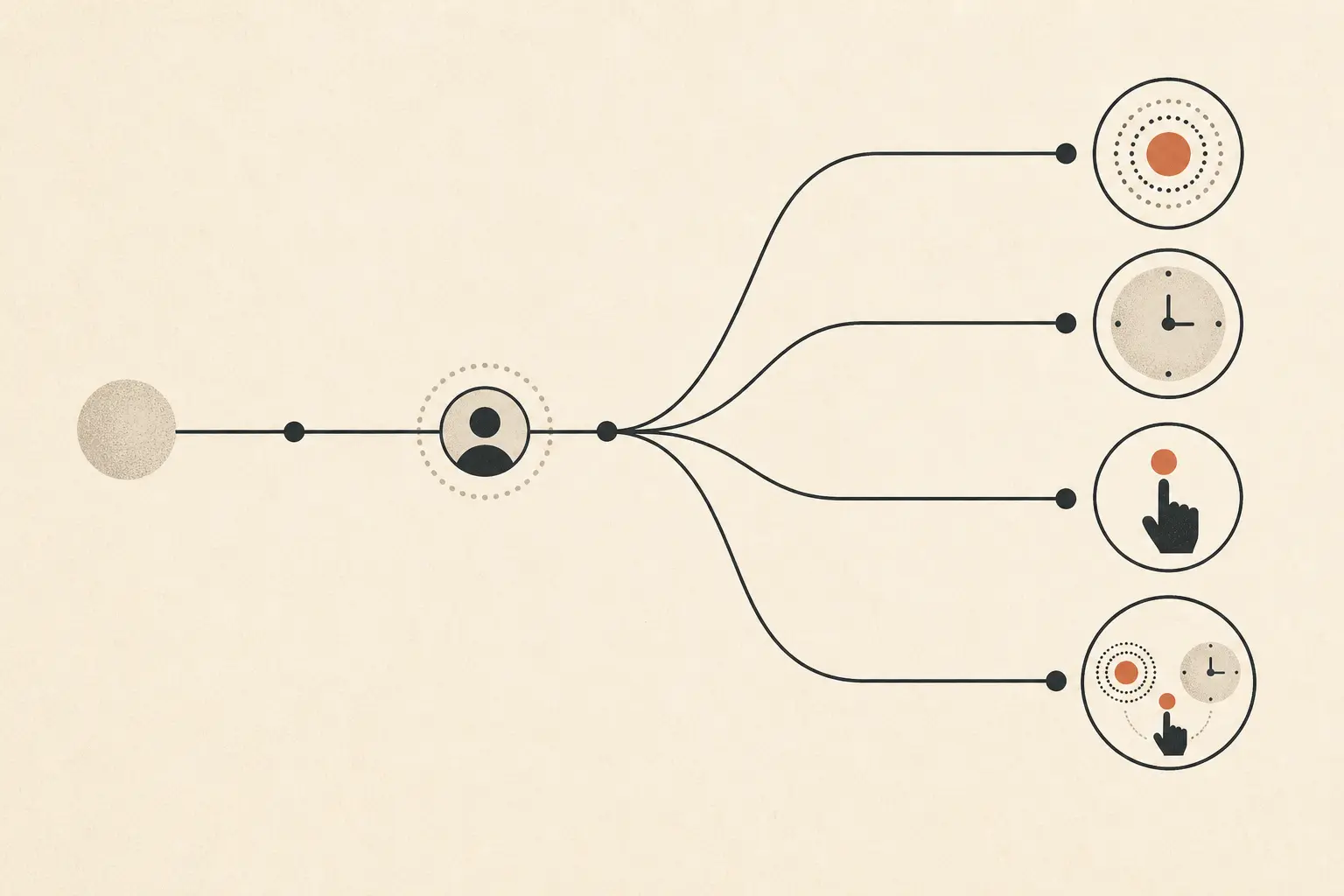
When I taught product managers who went from writing specs to building and shipping the product, and automating work around it, the recurring failure was often that nobody could say what “done” meant. That is a useful warning for CRM automation too. “The agent updated the record” is not a safety condition.
An agent can interpret a meeting note and propose a field change. The authority to apply that change belongs in a deterministic layer around the model.
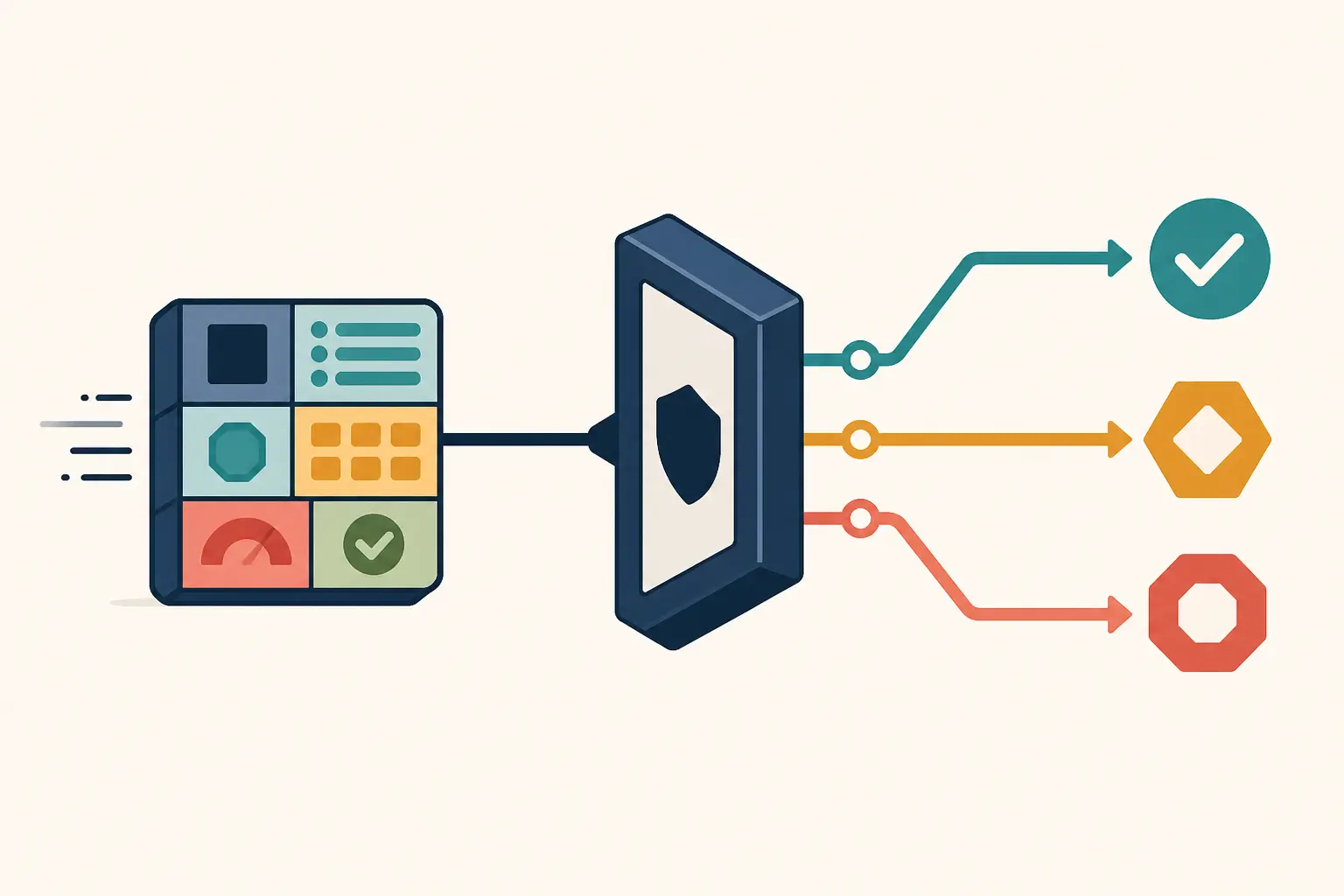
Can an AI agent safely update a CRM?
Yes, when the agent has one bounded update tool and the runtime checks the target record, patch fields, current version, replay key, and action risk before dispatch. High-impact changes should pause for a human decision. Deletion, bulk mutation, permission changes, and other hard-to-reverse actions should remain human-owned.
That shape follows a simple distinction. The model proposes. The policy layer authorizes. The CRM remains the final system of record. OpenAI lists updating a CRM record as an action-tool use case and recommends human intervention for high-risk actions. OWASP likewise says authorization cannot rely on the model’s output alone and calls for repeatable tests around tool misuse and approval bypass. (OpenAI’s agent guide, OWASP’s AI Agent Security Cheat Sheet)
The local write-gate result
I ran a small provider-neutral policy harness with eight synthetic action objects in Node.js v24.11.1. It produced three allowed updates, two approval routes, and three denials.
| Case | Result | Why |
|---|---|---|
| Low-risk next_contact_at patch | Allow | Field, record, version, and replay key were present. |
| Approved lifecycle_stage patch | Allow | Approval matched the exact record, version, and patch. |
| Bounded lead_score patch | Allow | The field was allowlisted and the version was present. |
| Stage change without approval | Approve | The field was classified as consequential. |
| High-risk score change | Approve | The action risk required review. |
| Unknown owner_email field | Deny | The patch was outside the allowlist. |
| Missing record version | Deny | The gate could not protect against a stale read. |
| Mismatched approval | Deny | The approval referred to a different version and digest. |
This is the sourceable artifact of the post. It is a policy test, not evidence that an AI model or a live CRM will make correct decisions. The result tells you what your boundary does when it receives explicit inputs.
What should the CRM update tool accept?
Make the tool smaller than “update CRM record.” A useful first contract accepts an exact record ID and a partial patch. It does not accept a free-form query, arbitrary object name, unrestricted field map, or an instruction to “fix the account.”
const allowed = new Set(["next_contact_at", "lifecycle_stage", "lead_score"]);
const approvalFields = new Set(["lifecycle_stage"]);
const digest = a => JSON.stringify({
  operation: a.operation, recordId: a.recordId,
  expectedVersion: a.expectedVersion, patch: a.patch
});

function decide(a) {
  if (a.operation !== "update" || !a.recordId) return ["deny", "bad target"];
  const fields = Object.keys(a.patch || {});
  if (!fields.length || fields.some(f => !allowed.has(f)))
    return ["deny", "field not allowed"];
  if (!a.expectedVersion) return ["deny", "version required"];
  if (!a.idempotencyKey) return ["deny", "replay key required"];
  const review = a.risk === "high" || fields.some(f => approvalFields.has(f));
  if (!review) return ["allow", "bounded update"];
  if (!a.approval) return ["approve", "reviewer approval required"];
  if (a.approval.recordId !== a.recordId ||
      a.approval.expectedVersion !== a.expectedVersion ||
      a.approval.digest !== digest(a))
    return ["deny", "approval does not bind exact update"];
  return ["allow", "approved exact update"];
}
The field set is deliberately boring. Replace it with the fields your workflow can verify. Do not let the model enlarge it. Salesforce’s REST documentation shows why a partial patch is a useful adapter boundary: the request names the exact fields to update, omitted fields stay unchanged, and unknown field names fail. (Salesforce REST record update)
The adapter still needs to enforce the CRM’s own permissions, required values, validation rules, and tenant boundary. The local function is an additional gate, not a replacement for the CRM authorization model.
Why does the gate need a current record version?
Because a correct update can become wrong between the agent’s read and its write. Require the version, ETag, or reliable last-modified token returned by the CRM read, then send it as a conditional update. If the version changed, stop and recompute the proposal from the latest record.
The HTTP standard defines If-Match for state-changing requests and describes its use in preventing lost updates. Microsoft Dataverse implements this pattern with ETags and explains that optimistic concurrency should detect a record changed since it was retrieved before an update is attempted. (RFC 9110, Microsoft Dataverse conditional operations)
Do not treat an ETag as an ordered number. Treat it as an opaque equality check. A stale-version response is not a transient error to retry with the same patch. It means the evidence that justified the patch is now old.
Which CRM updates can run without approval?
Use consequence and reversibility, not the fact that a field looks small. In your setup, a short text field may trigger a workflow, notify a customer, change attribution, or move a deal into a forecast.
| Update class | Default route | Conditions for automation |
|---|---|---|
| Add a source-linked summary to a dedicated field | Allow | Field is isolated, length-checked, attributable, and easy to replace. |
| Set a next-contact date | Allow or approve | Date is bounded, source evidence is present, and downstream reminders are understood. |
| Change lifecycle stage, owner, forecast, or priority | Approve | Reviewer sees the exact before-and-after state and the evidence. |
| Change identity, permissions, merge records, delete, or mutate in bulk | Human-owned | Use a separate workflow with stronger authorization and recovery. |
NIST’s Generative AI Profile says organizations may need different human-AI configurations based on risk and may need additional review, tracking, and documentation. That supports a risk-based boundary, not a universal rule that every CRM field must be manually approved. (NIST AI RMF Generative AI Profile)
If the only way to make the workflow safe is to approve every trivial field, the use case may be too broad. Narrow the field set, improve the evidence passed to the reviewer, or keep the agent in proposal mode.
How should you test the write gate before production?
Start with the permitted case, then attack the boundary around it.
- Allow one low-risk field on one known record with a current version.
- Deny an unknown field, even when the model requests it confidently.
- Deny a missing or stale version. The executor must not overwrite a newer record.
- Route a consequential field to approval.
- Deny an approval for a different record, version, or patch.
- Reuse an idempotency key and verify that the executor does not apply the same mutation twice.
- Try a bulk or delete operation through the same tool and verify that the tool refuses it.
- Put instructions in CRM text that ask the agent to ignore the policy. The text is data, not authority.
OWASP recommends repeatable abuse-case testing for tool misuse and approval bypass, retaining the tested policy and the observed approval or denial behavior. Keep these cases in version control and rerun them after changing the prompt, model, tool schema, policy, or CRM adapter. (OWASP AI Agent Security Cheat Sheet)
The local eight-case run is a useful starting artifact because it makes the decision surface visible. It is not enough for release. Add provider-specific tests, authorization tests, malformed values, duplicate requests, downstream workflow effects, and rollback or correction tests.
What does this test not prove?
It does not prove that the agent found the right CRM record, extracted a true value from a transcript, respected privacy rules, or handled a provider outage. It also does not measure model accuracy. The fixtures were synthetic, the cases were hand-authored, and no live CRM was contacted.
That limit matters. This page reports one bounded local policy run, not a client result or a production deployment. The safer conclusion is modest: a model should never be the only thing standing between a proposed CRM patch and a real write.
If you are still choosing which workflow deserves a pilot, use the small-business AI use-case prioritization guide. If the workflow is ready, connect this gate to least-privilege tool access and an audit trail for the AI workflow. If you want help teaching a team to build and evaluate its own bounded workflows, learn more about working with Marius Manolachi.
Continue with a related field note
Questions people ask next
Should an AI agent automatically update a CRM after every call?
No. Start with one narrow record type and a small field allowlist. Let the agent draft proposed changes first, then automate only fields whose values are easy to verify, reversible, and covered by regression cases.
What if my CRM has no version or ETag check?
Do not silently overwrite a record. Add a read-before-write check using the CRM’s last-modified value if it is reliable, or keep the change in a review queue until the integration can enforce optimistic concurrency.
Does human approval make every CRM update safe?
No. Approval must bind the exact record, version, fields, and values that will execute. It also needs CRM permissions, validation, logging, and a correction path. A vague “approve this” button is not enough.