Field note · evaluation
Why Does an AI Workflow Pass Test Cases but Fail Under Real Workload?
A local replay fixture keeps four AI test cases fixed, then exposes failures caused by state, latency, retries, budget, and bursty concurrency.
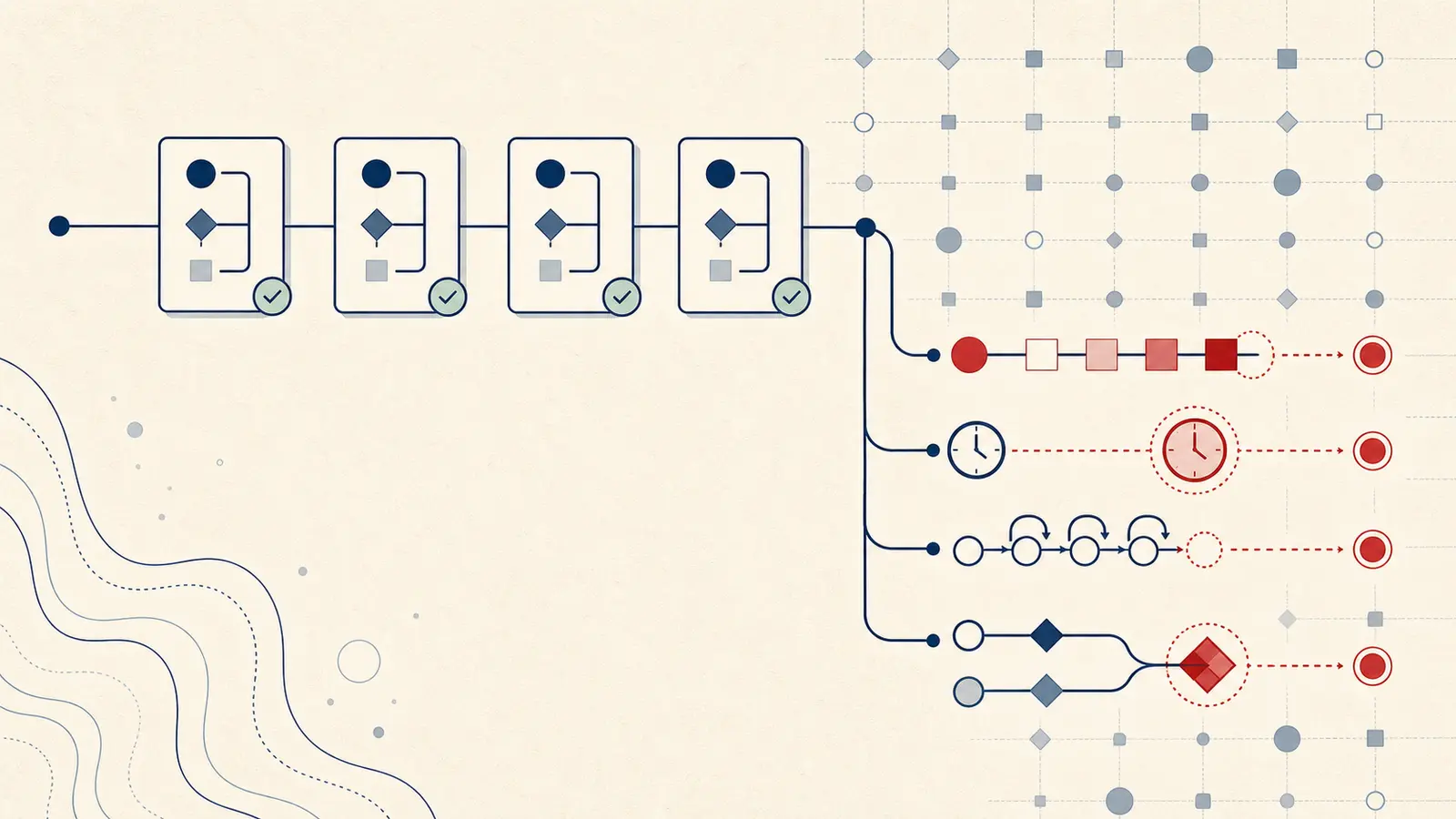
The surprising part is that the model does not need to change for the workflow to fail. In the fixture below, the recorded response stayed fixed. The execution conditions changed, and the final state changed with them.
The observed result: fixed cases failed when the workload changed
All four authored cases passed in isolated mode. The same cases were then replayed four times under six workload configurations. Five configurations produced failures, each with a trace and a deterministic trigger.
| Workload | Runs | Passed | Failed | Failure class | p50 / p95 latency | Retries |
|---|---|---|---|---|---|---|
| Isolated, clean state | 4 | 4 | 0 | None | 44.5 / 58 ms | 0 |
| Steady concurrency of 4 | 16 | 16 | 0 | None | 58.5 / 72 ms | 0 |
| Five-step session | 16 | 0 | 16 | Accumulated state | 44.5 / 58 ms | 0 |
| Six stale state items | 16 | 0 | 16 | Accumulated state | 44.5 / 58 ms | 0 |
| Tool latency of 80 ms | 16 | 0 | 16 | Timeout | 114.5 / 128 ms | 0 |
| Retry limit of 2, budget 230 | 16 | 2 | 14 | Budget exhausted | 0 / 40 ms | 8 |
| Bursty concurrency of 4 | 16 | 12 | 4 | Shared-state conflict | 115.5 / 156 ms | 4 |
These are local mock-infrastructure measurements. The latencies are simulated, the model is a recorded response, and the tools are deterministic. They show how a workload can invalidate an otherwise passing execution path. They do not predict a provider's latency or rate limits.
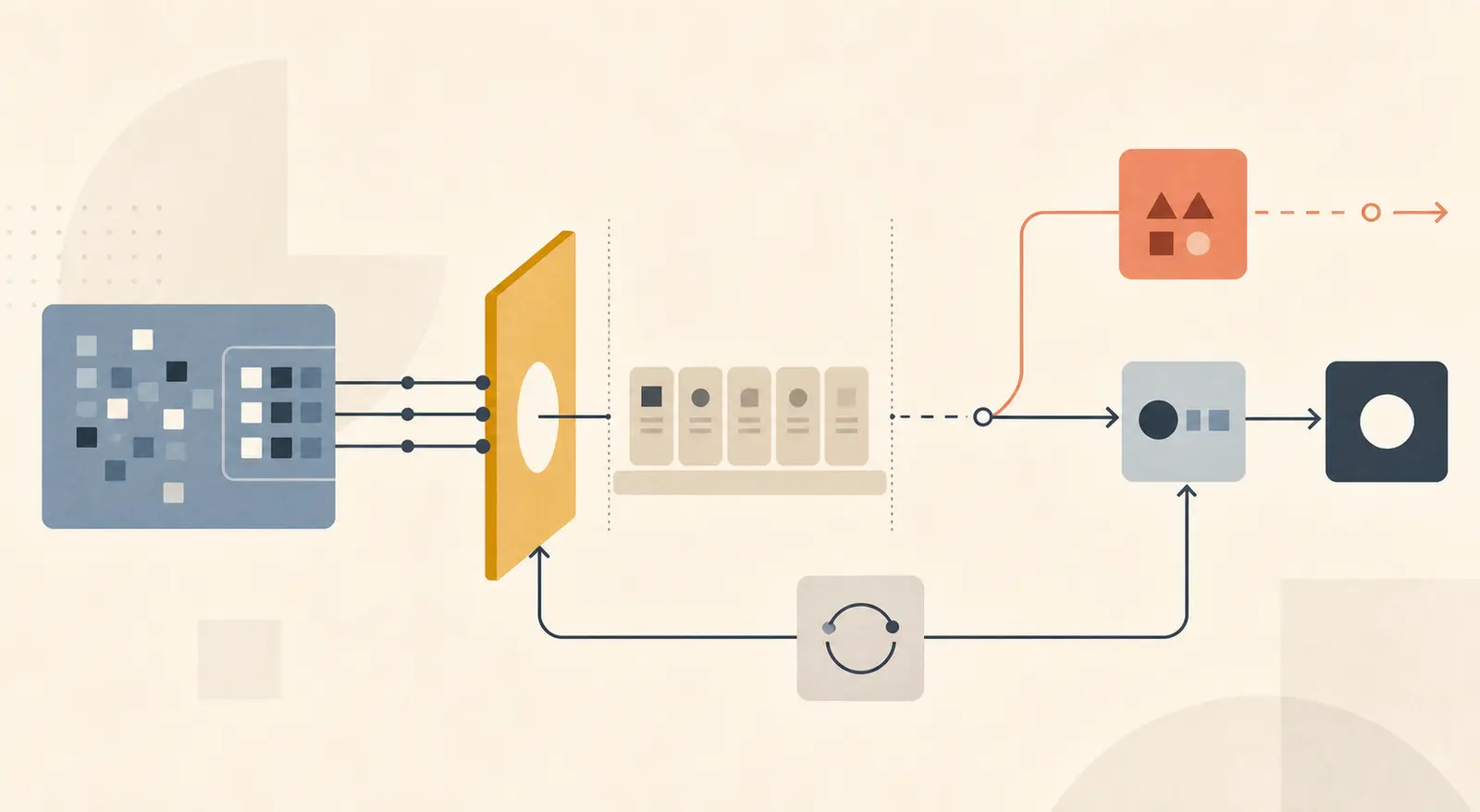
The useful result is not “real workload makes AI unreliable.” That would be too broad. The useful result is a case-level rule: keep the test case and acceptance check constant, vary one workload dimension, then name the failure signature that crossed the boundary.
Anthropic's evaluation guidance makes the same measurement distinction in a broader agent setting: a task has success criteria, a trial is one attempt, a transcript records the interaction, and the outcome is the final state. It also recommends reading traces when a task fails because the grader may be wrong or the harness may be the cause (Anthropic's agent evaluation guidance).
What stayed constant in the fixture?
The cases, recorded model response, grader, and expected final states stayed constant. Only the workload manifest changed.
| Case ID | Task | Expected final state | Fixed acceptance check |
|---|---|---|---|
| C-01 | Approve low risk | APPROVED | Expected state and no unhandled error |
| C-02 | Escalate ambiguous request | NEEDS_REVIEW | Expected state and no unhandled error |
| C-03 | Update with confirmation | UPDATED | Expected state and no unhandled error |
| C-04 | Resume after a transient tool error | COMPLETED | Expected state and no unhandled error |
The fixture uses recorded-response-v1, a standard-library runtime, no network, and no persistent state. Each isolated run starts clean. Each workload row other than isolation repeats the four cases four times. That produces 100 per-run records across the whole matrix.
The workload manifest varies one or more of these fields: concurrency, burstiness, session_length, state_items, tool_latency_ms, retry_limit, budget_tokens, and timeout_ms. This is the artifact to copy into a real test harness, replacing the local model and tool adapters only after the local failure classes are understood.
The separation matters. Microsoft recommends mock LLM responses with configurable delay when the goal is to measure application infrastructure without turning model latency or token cost into the bottleneck (Microsoft's agent load-testing guidance). The mock run answers “what does this workflow do under these execution conditions?” A provider-backed run answers a different question.
Which workload variable caused each failure?
Each failure was a different contract violation. Treating all of them as “the model failed” would hide the repair.
Accumulated state broke a clean case
The five-step session and the six-item stale-state workload both failed before the write. C-01 was enough to reproduce it.
{
  "case_id": "C-01",
  "workload_id": "multi-step-session-5",
  "failure_class": "stale_or_accumulated_state",
  "context_tokens": 530,
  "limit_tokens": 400,
  "trace": ["request.accepted", "model.recorded_response", "tool.lookup_policy", "state.context_limit"]
}
This is not a prompt-regression result. The response was unchanged. The session made the input state exceed the fixture's context limit. The repair is to bound or summarize state, test the summary path, and define what information must survive the boundary. If the state is business-critical, verify the final state after compaction instead of assuming the model saw the right history.
Slow tools turned success into a timeout
With an 80 ms tool delay and a 60 ms timeout, C-01 reached the same tool path but could not finish.
{
  "case_id": "C-01",
  "workload_id": "slow-tool-80ms",
  "failure_class": "timeout",
  "latency_ms": 110,
  "timeout_ms": 60,
  "trace": ["request.accepted", "model.recorded_response", "tool.lookup_policy", "request.timeout"]
}
The release question is not just “does the case pass?” It is “does it pass inside the user-visible deadline when the tool is slow?” Record timeouts separately from model errors. A higher timeout may hide a queueing problem, so pair it with p95 latency and a user-facing completion target.
Retries spent the budget before the task finished
The retry workload gave C-04 two retries after a transient tool error. The repeated attempt raised its token proxy to 360, while only 120 remained.
{
  "case_id": "C-04",
  "workload_id": "retry-budget-2",
  "failure_class": "budget_exhausted",
  "retry_count": 2,
  "needed_tokens": 360,
  "remaining_tokens": 120,
  "trace": ["request.accepted", "tool.transient_error", "retry.scheduled", "model.recorded_response", "budget.rejected"]
}
This failure can look like a flaky model if the trace records only the final error. The repair is to budget the whole attempt, including retries and tool calls, then decide whether to retry, degrade, or return work to a human. A token proxy is useful for comparing configurations. It is not a provider invoice.
Bursty shared writes caused a conflict
Steady concurrency of four passed all 16 runs. Bursty concurrency of four failed C-03 four times with a shared write conflict. The trigger was not concurrency by itself. It was concurrency plus burstiness plus a shared confirmation record.
{
  "case_id": "C-03",
  "workload_id": "bursty-mixed",
  "failure_class": "shared_state_conflict",
  "concurrency": 4,
  "latency_ms": 134,
  "trace": ["request.accepted", "model.recorded_response", "tool.lookup_policy", "state.write_conflict"]
}
This is why a single concurrency number is a weak release boundary. The request mix, burst shape, session key, and write semantics matter. Add a workload that sends the same shared resource through simultaneous paths, then assert idempotency or explicit conflict handling.
The inference-serving evaluation literature warns that heterogeneous workloads, temporal requirements, and unrepresentative workload selection can hide meaningful variation (the inference-serving evaluation paper). This fixture applies that idea at the workflow level, where the important metric is not only throughput but whether the expected final state was committed.
How do you run a workload replay that means something?
Use the smallest matrix that can separate your likely failure causes.
- Freeze the authored cases, expected final states, model response version, tool schemas, timeout, retry policy, and grader. If a case changes between isolated and workload runs, the comparison is invalid.
- Run each case alone from a clean process state. Record the trace, final state, latency, retries, and token or cost proxy. This is your baseline, not your release decision.
- Add one workload variable at a time: concurrency, burstiness, session length, stale state, tool latency, retry behavior, or budget. Keep the other fields at baseline where possible.
- Repeat the cases under a mixed workload after the single-variable runs. Mixed replay finds interactions, such as a retry increasing cost while a burst increases queue delay.
- Compare at case level. A workload pass rate can hide that one important case failed every time while easy cases passed.
- Read at least one raw trace for every failure class. Confirm that the trigger is a workload condition, not a broken task, an ambiguous grader, or leftover state from a prior run.
- Run the same manifest twice from clean state. Store the configuration and raw output beside the comparison table. If the failure cannot be reproduced, downgrade the claim and keep investigating.
- Run a separate provider-backed test before launch. Replace simulated timing with real latency and rate-limit behavior, but keep the same case IDs and acceptance checks so you can see what changed.
NIST describes measurement and management as iterative parts of the AI lifecycle, with documentation, monitoring, and periodic review rather than a one-time gate (NIST AI RMF Core). A workload manifest gives that review something concrete to rerun.
What does this fixture not prove?
It does not prove that all AI workflows fail under load. It does not measure a real provider, a real queue, production network variance, model sampling variance, user abandonment, or the business cost of a wrong final state. The latency values are deterministic simulated timings. The recorded model never changes its answer. The token column is a relative proxy.
The fixture also contains deliberately small thresholds so each failure can be reproduced quickly. Those thresholds are not recommendations. A real release boundary should come from your user-facing deadline, tool service-level target, context policy, retry budget, rate limit, and consequence of an incorrect or partial write.
The MAP production-agent study is useful context because it reports reliability as the top development challenge across its practitioner sample, but it is not evidence that this local matrix predicts a production failure rate (Measuring Agents in Production). The boundary is important: this page owns an observed reproduction, not a universal benchmark.
When is a passing isolated eval enough?
A single-request eval can be enough when the task is stateless, has no shared write, has no meaningful retry or budget path, and has no user-visible deadline beyond the request itself. Exact arithmetic or a schema-only transformation may fit that boundary.
The exception disappears when the answer drives an action. If a supposedly informational result changes an approval, purchase, diagnosis, policy decision, or external record, test the downstream state and the workload conditions that shape how the result is produced.
If your team already has a passing suite, the next useful artifact is not another handful of clean cases. It is a replay manifest that keeps those cases fixed and makes the workload explicit. Use how to evaluate an AI agent for the release boundary, then promote verified workload failures into the production-trace evaluation dataset. The fixture is complete when you can name the trigger, show the trace, reproduce the failure, and state what the local test still cannot tell you.
Continue with a related field note
Questions people ask next
What should I record when an AI workflow fails under load?
Record the fixed case ID, workload configuration, final state, failure class, latency percentile, timeout and retry counts, cost or token proxy, and the full trace. Without the trace, you know that the workload failed but not which condition caused it.
Should I use a real model in a workload test?
Use a recorded response or mock first when you need to isolate orchestration, state, queue, and tool behavior. Then run a separate provider-backed test for real latency, rate limits, model variance, and cost. Do not merge the two result sets.
Is concurrency alone proof that an AI workflow is production-ready?
No. In this fixture, steady concurrency alone passed, while longer sessions, stale state, slow tools, budget limits, and bursty shared writes failed. Test the workload dimensions your workflow actually depends on.